Getting Started
How to Join
- Open Minecraft on your device.
- Tap Play on the home screen.
- Navigate to the Servers tab.
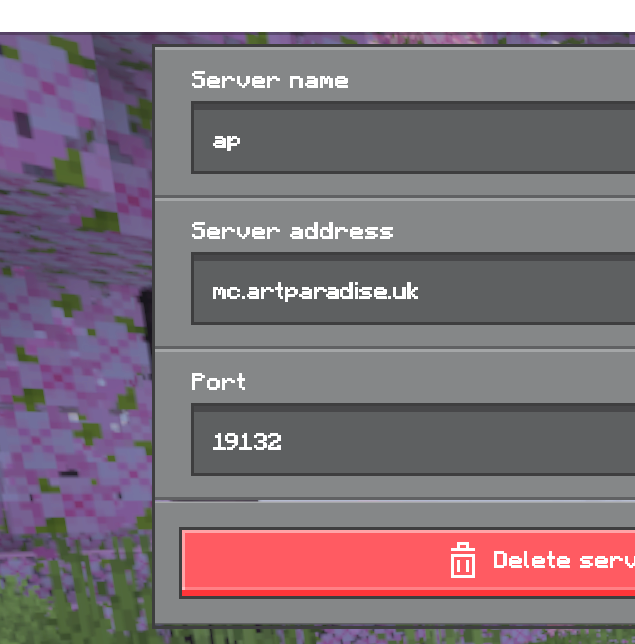
- Scroll down and tap Add Server.
- Server name: Art Paradise
- Address: mc.artparadise.uk
- Port: 19132
- Tap Save then select the server.
- Open the Minecraft Launcher and start the game.
- Click Multiplayer on the main menu.
- Click Add Server.
- Server name: Art Paradise
- Address: mc.artparadise.uk
- Click Done and select the server to join.
